
Why Enterprise WordPress Sites Get Sued (And How to Never Be One of Them)
Welcome to WP for ENTERPRISES, where we go behind the scenes of BILLION-DOLLAR WordPress websites.
In this issue, you'll discover:
- Why the White House treats accessibility as a legal requirement (because it is).
- The three compliance standards you actually need to know.
- How NASA catches accessibility issues before they become lawsuits.
- GDPR, CCPA, and the data privacy rules that could bankrupt you.
- The tools that make compliance automatic, not painful.
Here's the pattern I see with billion-dollar brands:
They build a beautiful website. Launch it. Get traction.
Then legal calls.
"We need to be GDPR compliant by next quarter."
"Accessibility team flagged 47 violations."
"We're expanding to California and need CCPA compliance."
Now you're retrofitting compliance into a platform that wasn't built for it.
Expensive. Slow. Risky.
The White House took a different approach.
WhiteHouse.gov isn't just a website. It's a legal requirement to serve every American.
Blind users navigating with screen readers.
Deaf users accessing video content.
Users with motor disabilities navigating by keyboard.
Users with cognitive challenges needing clear interfaces.
Their WordPress implementation includes:
- High-contrast toggles for visual impairments.
- Comprehensive ARIA attributes for screen readers.
- Keyboard navigation for every interactive element.
- Semantic HTML structure that assistive technologies understand.
This wasn't bolted on after launch. It was built into the foundation.
NASA and Disney follow the same playbook. Compliance isn't a checkbox exercise for them. It's embedded in their architecture, design systems, and editorial workflows.
The result? They avoid lawsuits, serve all users effectively, and don't waste money on expensive retrofits.
THE THREE COMPLIANCE STANDARDS THAT ACTUALLY MATTER
Let's decode the alphabet soup.
WCAG: The International Standard
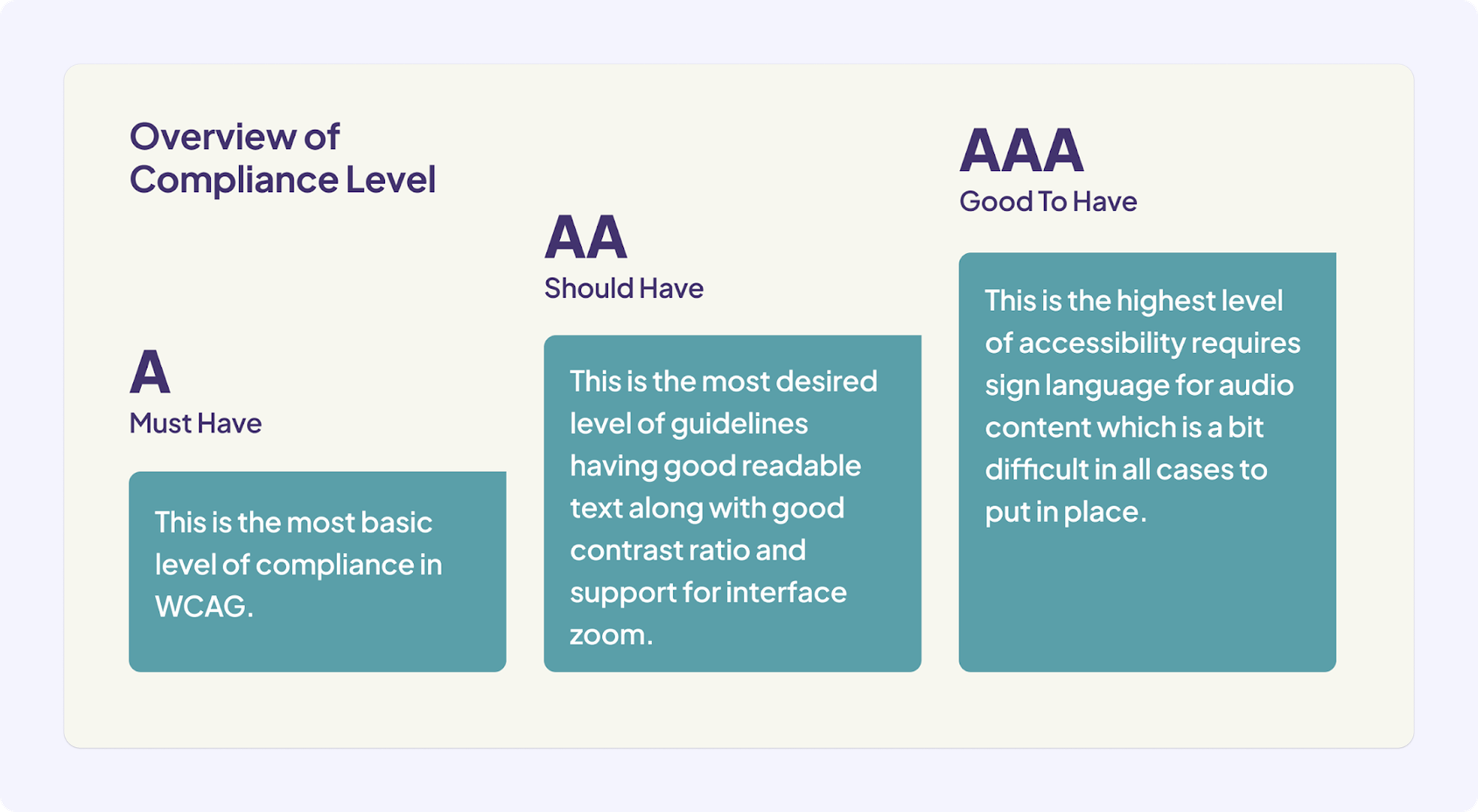
Web Content Accessibility Guidelines (WCAG) provide three conformance levels:
Level A → The minimum baseline. Failing this means some users absolutely cannot access your content. Includes text alternatives for images, captions for audio, keyboard accessibility, and basic color contrast.
Level AA → The target for most enterprises. Adds enhanced color contrast (4.5:1 for normal text), text resizing up to 200% without breaking, consistent navigation, and clear focus indicators.
Level AAA → The highest bar. Few sites achieve this because some requirements conflict with design needs. Includes 7:1 contrast ratios and sign language interpretation.
NASA targets WCAG 2.1 Level AA across their 1,000+ consolidated websites. It meets federal requirements while remaining achievable at scale.
Section 508: Federal Requirements
Section 508 applies to federal agencies and anyone building for government.
It aligns closely with WCAG 2.0 Level AA but adds federal-specific requirements:
- Federal agencies must ensure disabled employees and public members have comparable access to information technology.
- All electronic content, documents, software, and websites must meet strict accessibility standards.
- Procurement processes require accessibility verification before purchasing technology.
- Regular compliance monitoring and reporting to oversight bodies is mandatory.
The 21st Century IDEA (2018) updated these standards, mandating federal websites be fully accessible, consistent, secure, user-centered, and mobile-friendly.
NASA's WordPress implementation meets all these requirements, demonstrating how federal agencies execute Section 508 compliance at scale.
ADA Title III: Commercial Websites
The Americans with Disabilities Act applies to "places of public accommodation."
Courts increasingly interpret this to include commercial websites, but the "physical location" question creates complexity:
- Businesses with storefronts (retailers, restaurants, hotels) must make their websites accessible if the site connects customers to physical services.
- Web-only businesses face varying interpretations depending on jurisdiction.
- The key question courts ask: Does the website provide access to goods and services of the physical business?.
The landmark Domino's Pizza case clarified this standard. The court ruled that because Domino's website and app were heavily integrated with physical restaurant locations—allowing customers to order for pickup—they must be accessible under Title III.
While ADA doesn't specify technical standards explicitly, courts consistently reference WCAG 2.1 Level AA as the practical benchmark.
The legal risk is substantial. ADA website accessibility lawsuits increased dramatically in recent years. Settlements range from thousands to millions depending on company size. Beyond financial penalties, accessibility lawsuits destroy reputation.
(Nobody wants to be the company that excluded disabled users.)
WHY ACCESSIBILITY ISN'T JUST ABOUT AVOIDING LAWSUITS
Here's what gets me excited about accessibility.
The curb-cut effect describes how features designed for disabled users benefit everyone.
Captions help users in noisy environments. Keyboard navigation benefits power users. Clear content structure helps everyone scan faster.
The addressable market expands significantly. The World Health Organization estimates 16% of the global population experiences significant disability. That's over a billion people. Accessible websites capture this market. Inaccessible sites exclude it.
Search engines favor accessible sites. Google's algorithms reward semantic HTML, proper heading structure, descriptive link text, and fast load times. These are all accessibility best practices. NASA's accessible implementation contributes to their strong organic search performance.
HOW NASA BUILDS ACCESSIBILITY INTO THEIR WORKFLOW
Here's where theory meets practice.
Real-Time Testing in the WordPress Editor
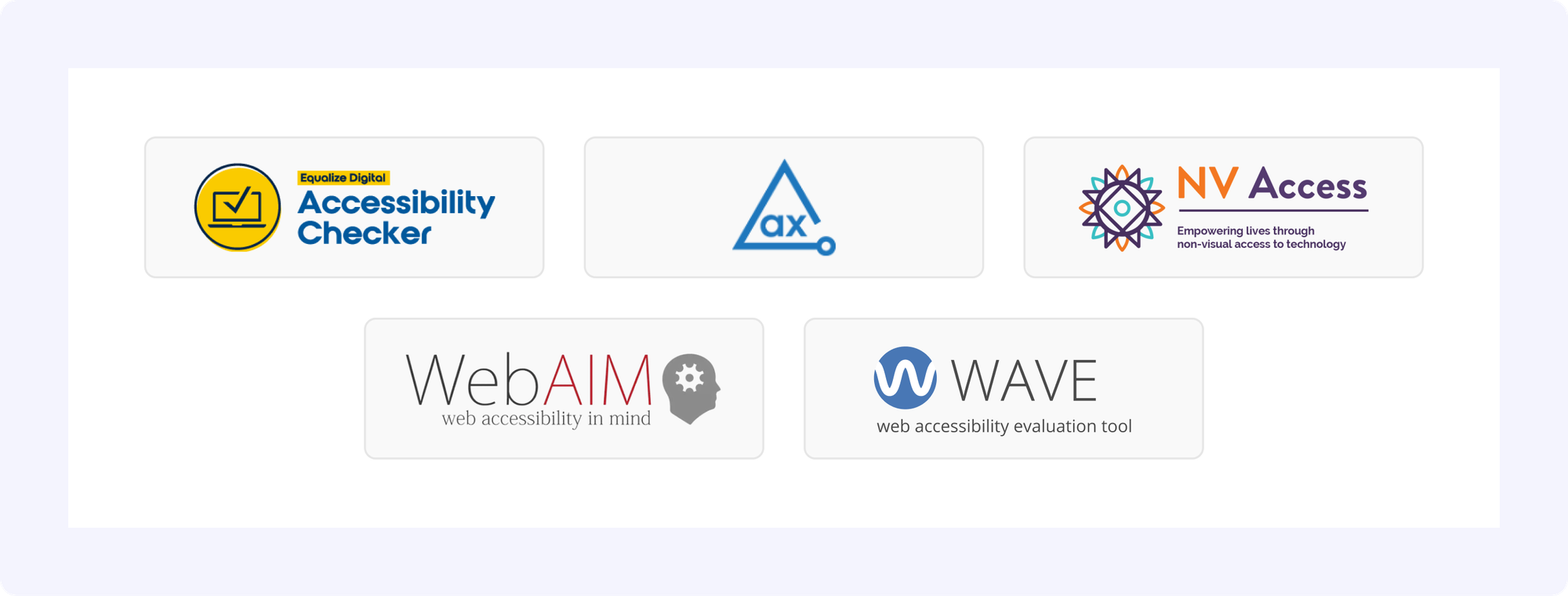
NASA uses the Equalize Digital Accessibility Checker plugin built by Equalize Digital (who, by the way, is our strategic partner for all things accessibility).
It provides real-time accessibility scanning directly in the WordPress editor.
As content creators add blocks and write content, the plugin highlights issues:
- Missing alt text? Immediate warning.
- Skipped heading levels? Flagged instantly.
- Insufficient color contrast? Shown in real-time.
Content creators see accessibility scores before publishing. They can't publish content with critical violations without override permissions.
This shifts accessibility left in the development lifecycle.
Instead of discovering issues in QA or production, you catch them during creation. The cost of fixing issues drops dramatically.
(Plus content creators learn accessibility best practices through immediate feedback.)
Design Systems That Enforce Compliance
NASA's design system bakes compliant contrast ratios into color tokens.
Designers can't accidentally choose non-compliant color combinations because the design system doesn't expose them.
This prevents accessibility violations at the design stage.
Their component library includes:
- Semantic HTML by default (
<nav>,<main>,<article>,<aside>). - Proper heading hierarchy automatically enforced.
- Keyboard navigation built into every interactive component.
- Focus indicators that meet contrast requirements.
The Tools That Make It Automatic
For Accessibility Testing:
- Equalize Digital Accessibility Checker for real-time WordPress scanning.
- axe DevTools for automated WCAG violation detection.
- WAVE for visual accessibility feedback.
- WebAIM's Contrast Checker for color verification.
- NVDA, JAWS, and VoiceOver for manual screen reader testing.
NASA conducts comprehensive accessibility audits annually with targeted audits quarterly. Third-party experts provide objective assessments.
Automated monitoring tools continuously scan sites, alerting teams when new issues appear.
DATA PRIVACY: THE OTHER COMPLIANCE LANDMINE
Accessibility isn't the only legal requirement. Data privacy carries equally severe penalties and reputational risks.
GDPR: The European Standard
The General Data Protection Regulation governs personal data for EU residents.
It applies regardless of where your organization is located. If you collect data from EU users, GDPR applies.
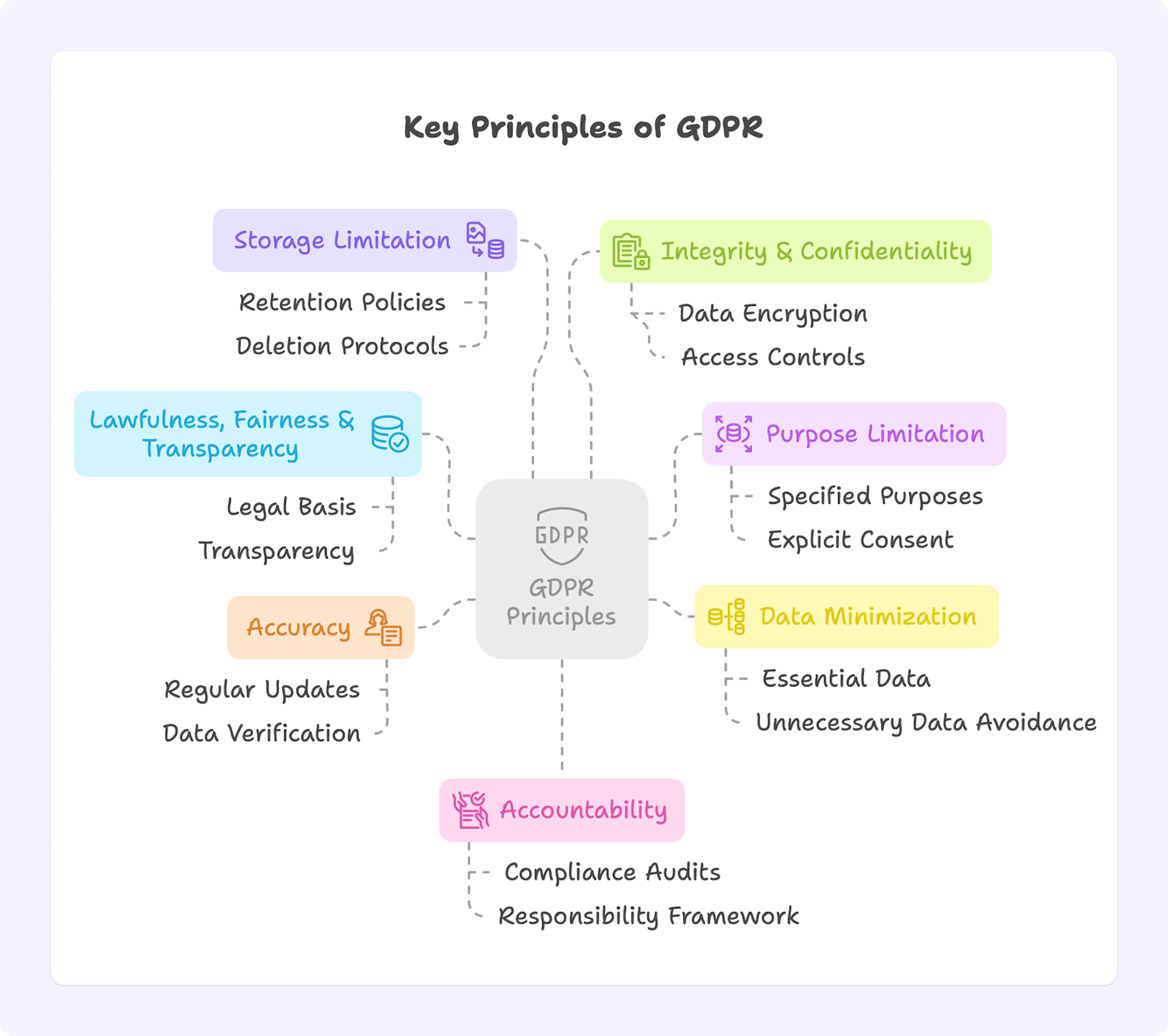
Key requirements:
- Lawful basis for data collection (consent or legitimate interest).
- Transparent privacy policies explaining what you collect and why.
- User rights to access and delete their data.
- Data breach notifications within 72 hours.
- Data minimization (collect only necessary data).
Not sure if your site is GDPR compliant? We built a free tool that scans your website and shows exactly where you're violating GDPR regulations: violating-gdpr.com
CCPA: California's Privacy Law
The California Consumer Privacy Act provides similar protections for California residents.
CCPA grants users the right to know what data you collect, delete personal data, opt-out of data sales, and non-discrimination for exercising these rights.
Implementation requires prominent privacy policies, "Do Not Sell My Personal Information" links, data access and deletion workflows, and staff training.
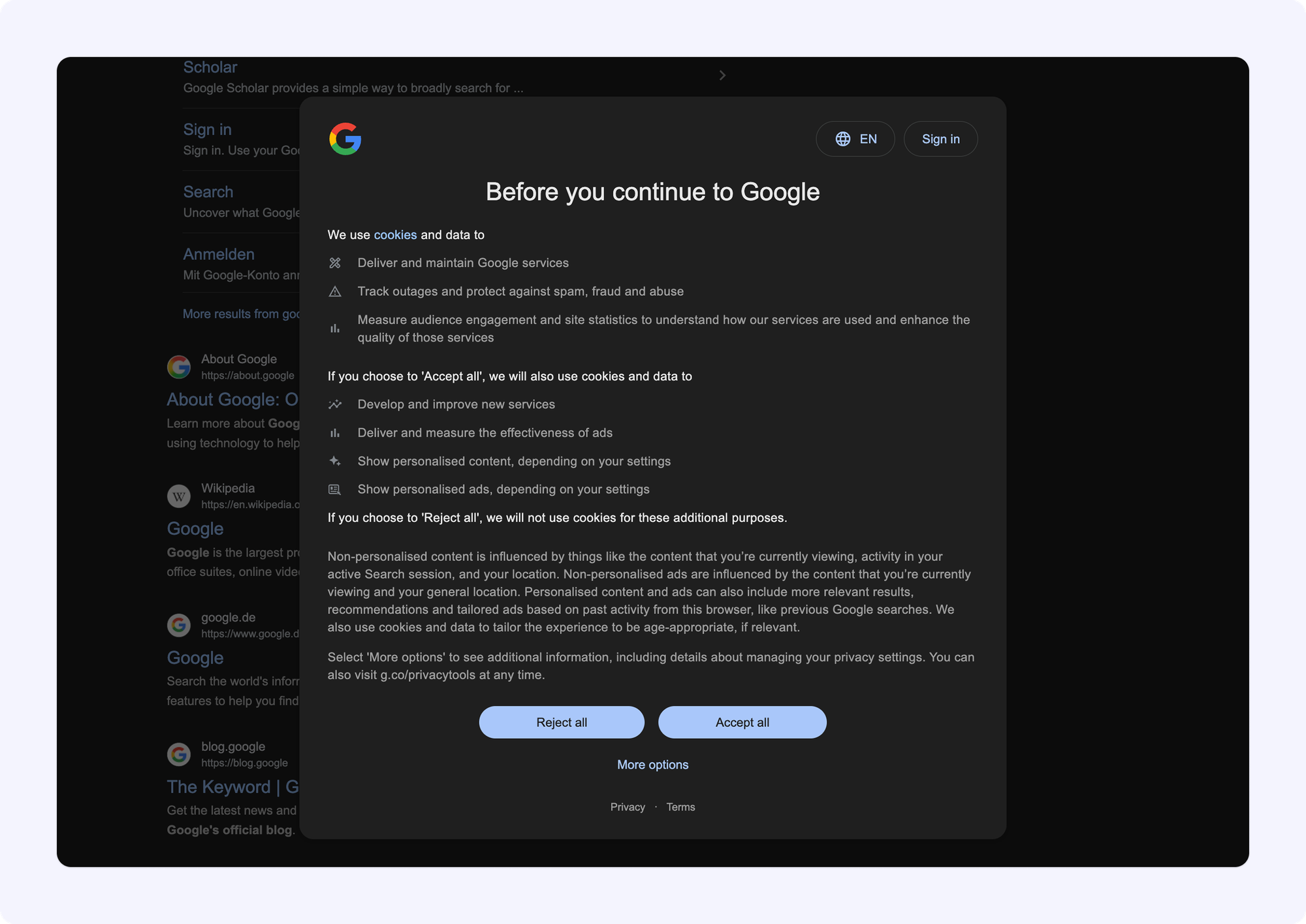
What CCPA looks like in practice: Similar to GDPR's cookie consent banners, CCPA-compliant websites feature a prominent "Do Not Sell My Personal Information" link (typically in the footer), privacy preference centers where users can manage their data rights, and clear opt-out mechanisms. Major retailers like Target and Walmart display these controls on their homepages—giving California residents immediate access to their privacy rights.
FedRAMP: Government Security Standards
What is FedRAMP? The Federal Risk and Authorization Management Program provides standardized security requirements for cloud services used by federal agencies. Key aspects include:
- Based on NIST SP 800-53 security controls
- Three impact levels: Low, Moderate, and High
- Independent third-party security assessments required
- Continuous monitoring and compliance reporting mandatory
- Authorization process typically takes 12-18 months and costs hundreds of thousands of dollars
When building for government clients, ensure your hosting provider is FedRAMP-authorized. Several major enterprise hosting platforms maintain this certification, such as WordPress VIP. This saves you from pursuing your own authorization and ensures your infrastructure meets federal security requirements from day one.
WordPress VIP holds FedRAMP authorization at the Moderate impact level, demonstrating compliance with hundreds of security controls across access management, audit accountability, incident response, and risk assessment.
Data Residency Requirements
Some regulations mandate where data can be stored geographically.
GDPR restricts data transfers outside the EU without adequate safeguards. Chinese data localization laws require certain data to remain within Chinese borders.
Major hosting providers like WP Engine, Kinsta, and WordPress VIP operate data centers across multiple regions—North America, Europe, and Asia-Pacific. This allows customers to specify exactly where their data resides, satisfying geographic compliance requirements.
This geographic separation satisfies regulatory requirements without complicating management.
THE UNCOMFORTABLE TRUTH: COMPLIANCE NEVER ENDS
Compliance isn't a one-time achievement. It's an ongoing commitment.
Regulations update regularly. Your platform evolves continuously. Content changes constantly.
Staying compliant requires sustained attention. This is what big enterprises like NASA and government agencies do:
- Annual comprehensive accessibility audits.
- Quarterly targeted audits.
- Continuous automated monitoring.
- Third-party expert assessments.
Compliance integrates with everything. Your architecture must support accessibility features. Your performance optimizations can't break accessibility. Your design system must build compliance into components.
(It's all connected. One weak link breaks the chain.)
IN SUMMARY
Here's what matters:
- Build compliance into your foundation, not bolt it on later.
- WCAG 2.1 Level AA is the practical standard for most enterprises.
- Real-time testing catches issues during creation, not after launch.
- Data privacy regulations like GDPR and CCPA carry massive penalties.
- Compliance is ongoing, not a one-time checkbox.
Because the alternative, reactive compliance, expensive retrofits, legal settlements costs way more than doing it right the first time.
Not sure if your site is GDPR compliant? We built a free tool that scans your website and shows exactly where you're violating GDPR regulations: violating-gdpr.com
Need help making your WordPress site compliant? We've helped enterprises like Ask Media, Accenture, and PepsiCo build accessibility and privacy compliance into their platforms. Book a free consultation with our team today.
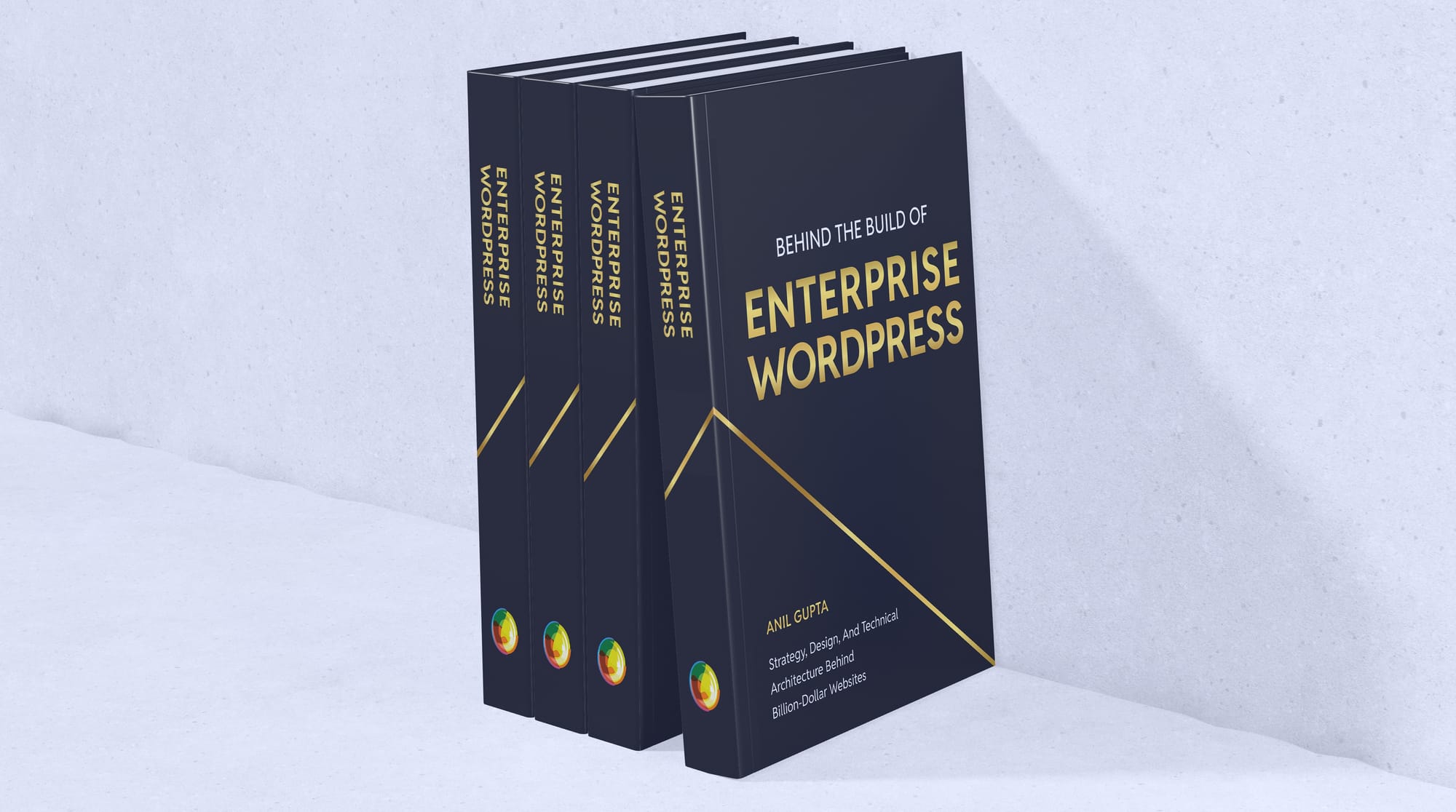
I'M WRITING A BOOK
I've been working on something special for over a year now—a comprehensive guide for tech leaders navigating the complexities of enterprise WordPress.
This book is written for CTOs, IT managers, and enterprise decision-makers who want to understand how WordPress powers billion-dollar businesses.
Drawing from over a decade with Fortune 500 companies, I'm sharing strategies and insider knowledge most agencies keep to themselves.
What you'll learn:
- Evaluating WordPress for enterprise-scale operations
- Migration strategies that minimize risk and maximize ROI
- Performance optimization for high-traffic sites
- Security frameworks for enterprise compliance
- Team management for large WordPress deployments
The book launches in the coming months, and I'm offering free advance copies to newsletter subscribers.
Interested in a free copy? Sign up for the book launch here.
👋 Until next time, Anil | CEO and Co-Founder → Multidots, Multicollab & Dotstore.
P.S. I also write about personal growth and agency growth.

WP for ENTERPRISES is brought to you by Multidots, an enterprise WordPress web agency that’s been empowering big enterprises to scale and succeed with WordPress.

Whenever you're ready (no pressure), there are four ways we can help:
#1: Enterprise WordPress consulting – Think of us as your WordPress GPS. We’ll get you where you need to go.
#2: Migrate your website to WordPress – No stress, no mess—just a smooth ride to the WP world.
#3: Designing and building a new site – Your dream site, minus the nightmares.
#4: Optimizing and maintaining your site – Because nobody likes a slow website (or a hangry one).
📆 Book a quick, free call—no hassle, no commitment, just solutions that work for you.
Member discussion